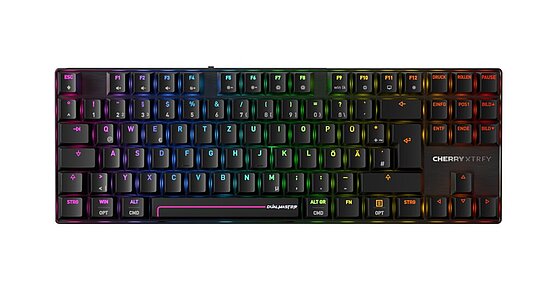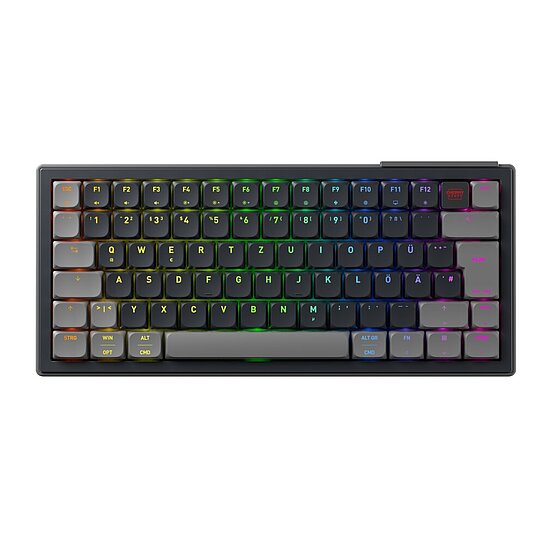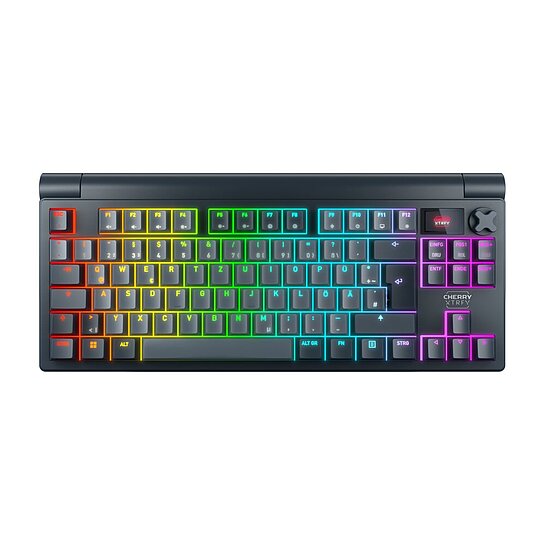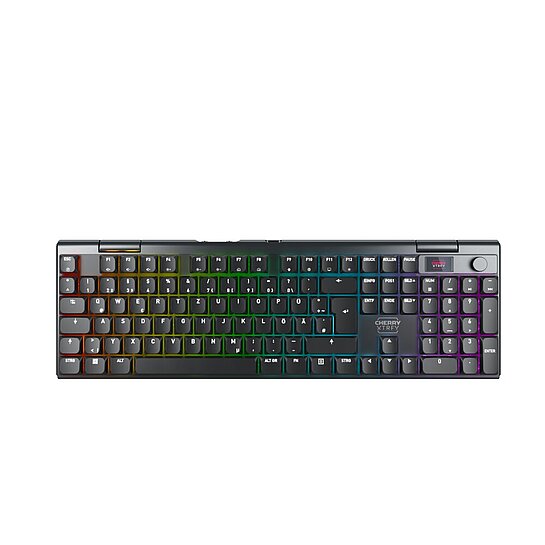



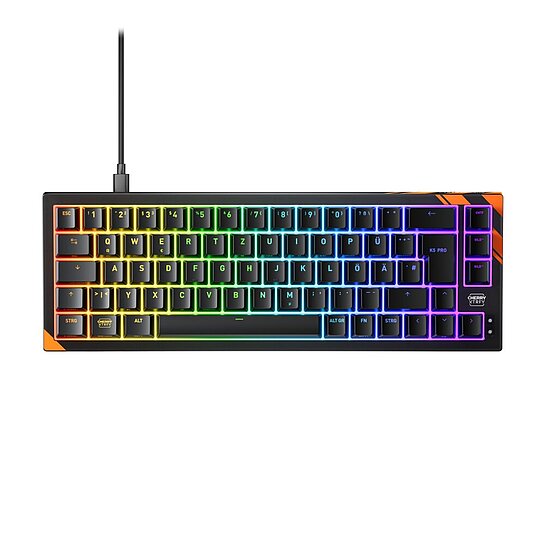
CHERRY XTRFY K5 Pro TMR Compact
Magnetic switch gaming keyboard
06/2026 - Back to overview
Is a TMR keyboard worth it for you? Find out when magnetic keyboards offer real benefits for gaming and everyday use.
TMR keyboards are among the most exciting developments in the gaming keyboard sector. They use magnetic sensor technology instead of classic mechanical contacts, enabling especially fast, precise and flexibly adjustable inputs. But is a TMR keyboard worth it for everyone? Let’s take a look together at what TMR actually is, which features it offers especially for gaming, but also in everyday use, and who will truly benefit from buying one.
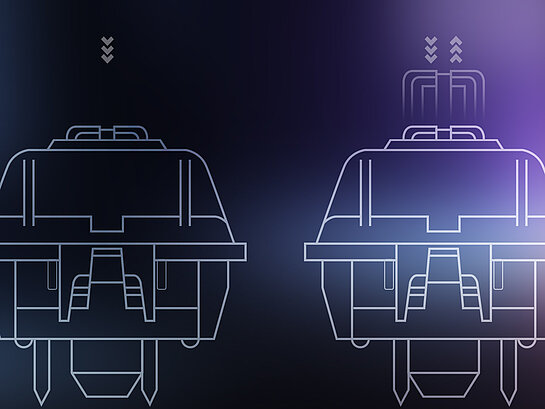
TMR stands for Tunnel Magnetoresistance. A keyboard with TMR technology uses magnetic sensors to measure very precisely how far a key is pressed. This allows the actuation point to be adjusted individually, unlike many classic mechanical keyboards, which usually actuate at a fixed point. Another advantage of TMR technology is the low power consumption of the sensors, which can be particularly relevant for wireless keyboards.
If you would like to know in more detail how TMR sensor technology works and why it differs from Hall Effect and mechanical switches, you can find a detailed explanation of TMR technology on our technology page.
A keyboard with TMR switches for gaming is especially interesting when inputs need to be not only fast, but also precisely repeatable. Unlike many mechanical keyboards, a magnetic keyboard detects very accurately how far a key is pressed or released. This enables adjustable actuation points and functions such as Rapid Trigger, Snap Key, Dynamic Keystroke and Mod Tap.
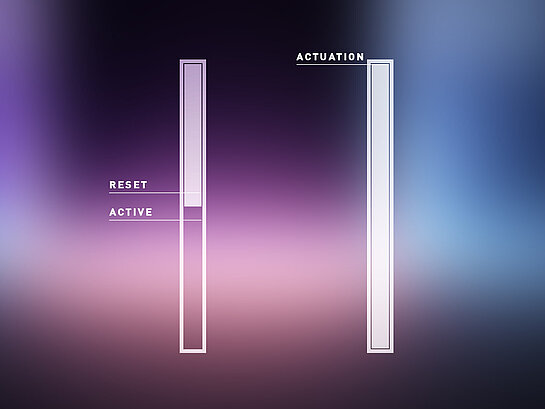
Rapid Trigger ensures that a key resets at the slightest release and can immediately actuate again. This is particularly helpful in games where fast, repeated inputs are crucial.
In tactical shooters such as Counter-Strike, Valorant, Apex Legends or Call of Duty, Rapid Trigger is especially useful for actions performed in quick succession: briefly stopping before shooting, quickly crouching, jumping, peeking again or triggering abilities. Because individual keys reset faster, movements and actions feel more direct. Rapid Trigger can also be useful in Fortnite, as building, editing, jumping and switching weapons require very fast key inputs.
Rhythm games such as osu! or osu!mania are also all about fast repeated inputs. Fast patterns, streams or note sequences can be played more consistently when keys can actuate again more quickly.
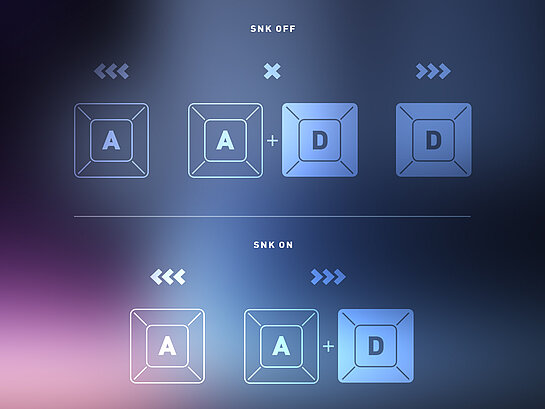
Snap Key ensures that when two opposing direction keys are pressed at the same time, the newest input is clearly prioritized. This applies, for example, to A and D when you quickly switch between left and right. You no longer have to time exactly when you release the A key while pressing the D key. The character in the game immediately changes direction. On normal keyboards, the inputs would cancel each other out and the character would stop.
Snap Key can be particularly helpful in fast shooters such as Overwatch 2 or The Finals when it comes to perfect counter-strafing, dodging and peeking.
Important: Snap Key, Snap Tap or SOCD-like functions may be restricted in some competitive games or tournaments. Before ranked matches or competitions, you should therefore check whether the function is allowed.
Dynamic Keystroke makes it possible to assign multiple actions or input levels to one key, depending on how far you press it. This means that a key can trigger something different with a light press than when fully pressed down.
This is especially exciting in racing games that are often played with a keyboard, such as Trackmania. Racing games on a keyboard were long considered a compromise because inputs usually work digitally: key pressed means full input, key released means no input. Dynamic Keystroke makes this more flexible. You can use different pressure levels and fine-tune inputs more precisely, for example for smoother acceleration, more controlled breaking or more precise movements.
It does not replace a steering wheel, nor does it replace a controller in every game. But it makes racing games on a keyboard significantly more interesting because the controls work less like a purely on/off principle.
Dynamic Keystroke can also be practical in action or open-world games such as Cyberpunk 2077 or GTA V, for example if you use one key for different movement levels: press lightly for slow walking, press harder for running or sprinting. This is useful, but usually more of a comfort feature than a competitive advantage.
Mod Tap assigns two functions to one key. When tapped briefly, it triggers a normal input. When held down, the same key works as an additional key, for example as Shift, Ctrl, Alt or Fn.
This is especially useful on compact gaming keyboards in 60%, 65% or 75% layouts. These keyboards create more space for mouse movements but have fewer dedicated keys. With Mod Tap, you can still place important functions close to your main keys without constantly having to move your hand.
This is particularly practical in games that require many commands. In build shooters such as Fortnite, you can make build, weapon or inventory functions easier to reach. In MMOs such as World of Warcraft or Final Fantasy XIV, additional abilities, menus or shortcuts can be placed on a second layer.
Mod Tap does not provide a direct advantage for aiming or reaction time. Its benefit lies in making your layout more efficient and important functions quicker to access.
A good mechanical keyboard is still enough for many players.
A TMR keyboard for gaming is especially worthwhile if you deliberately use fast, precise and repeatable inputs. This is particularly the case if you play competitively, train fast reactions, perform many inputs in a short time or want to consciously optimize your keyboard layout. In these cases, adjustable actuation points and functions such as Rapid Trigger, Snap Key, Dynamic Keystroke or Mod Tap can offer noticeable added value.
If you play more casually or prefer story games, RPGs, strategy games and relaxed single-player titles, you usually do not need every new gaming feature. In that case, typing feel, acoustics and design often matter more than magnetic sensor technology.
Outside of gaming, a magnetic keyboard with TMR can also be practical, especially for power users, technology enthusiasts and users of compact layouts. Adjustable actuation points help adapt the keyboard to your personal typing behavior: earlier actuation for light typing, deeper actuation for fewer accidental inputs.
Functions such as Mod Tap or Dynamic Keystroke can make shortcuts, special functions or second layers easier to access. With wireless keyboards, the low power consumption of TMR sensor technology can also be an additional advantage.
For simple office tasks, however, TMR is not a must. If you mainly write emails, edit texts or work in the browser, comfort, ergonomics, typing feel and price are usually more important.
Before you decide on a TMR keyboard or another magnetic keyboard, you should not only look at individual features. What matters more is whether your play style, setup and everyday use will really benefit from the technology. These questions will help you decide:
| Question before buying | Purchase recommendation |
|---|---|
| Do you play competitively or consciously optimize your inputs? | Yes, buy one if you actively use fast and precise inputs. No, do not buy one if you mostly play casually. |
| Do you want to use Rapid Trigger and adjustable actuation points? | Yes, buy one; these are key benefits of a TMR keyboard. No, do not buy one if a fixed actuation point is enough for you. |
| Do you want to configure profiles and software? | Yes, buy one if you like customizing settings. No, do not buy one if you prefer plug-and-play. |
| Do you use Snap Key or SOCD functions? | Yes, buy one if the functions are allowed in your games. No, do not buy one if you do not want to check rules. |
| Are you mainly looking for a keyboard for everyday and office use? | Yes, buy one if you also want to use profiles, shortcuts or wireless benefits. No, do not buy one if typing feel, ergonomics and price are your main priorities. |
| Is the added value worth the extra cost to you? | Yes, buy one if you regularly use several TMR functions. No, do not buy one if you only play occasionally or hardly configure anything. |
If you first want to understand what technically distinguishes TMR from Hall Effect or classic mechanical switches before buying, you can find the key differences on our TMR technology page.
A keyboard with magnetic TMR switches is especially worthwhile if you want to actively adapt your keyboard to your play style or everyday work. It is particularly useful for competitive gamers, power users, technology enthusiasts and users of compact setups. The greatest added value does not come from magnetic sensor technology alone, but from the combination of adjustable actuation point, Rapid Trigger, Snap Key, Dynamic Keystroke, Mod Tap and suitable profiles. If you use these functions deliberately, a TMR keyboard gives you significantly more control than a classic keyboard.
If you hardly use the special functions, mainly play casually or use your keyboard primarily for simple typing and office tasks, TMR is not a must. In these cases, other keyboard technologies may be the better choice: mechanical switches for a direct, classic typing feel, SX scissor mechanism for flat, precise inputs or rubber dome technology for quiet, straightforward everyday use.
At CHERRY, we love keyboards because we know how differently people play, type and work. As the world’s oldest keyboard manufacturer, we therefore develop different technologies, from TMR and mechanical switches to SX scissor mechanism and rubber dome, so every user can find the keyboard that truly matches their own requirements.
Magnetic switch gaming keyboard
Magnetic / Mechanical gaming keyboard
Gaming keyboard with Ultra-Wideband technology
Mechanical gaming keyboard with LCD display
Mem-chanical gaming keyboard
Mechanical low-profile gaming keyboard
Mechanical gaming keyboard in TKL format