CHERRY ProScroll
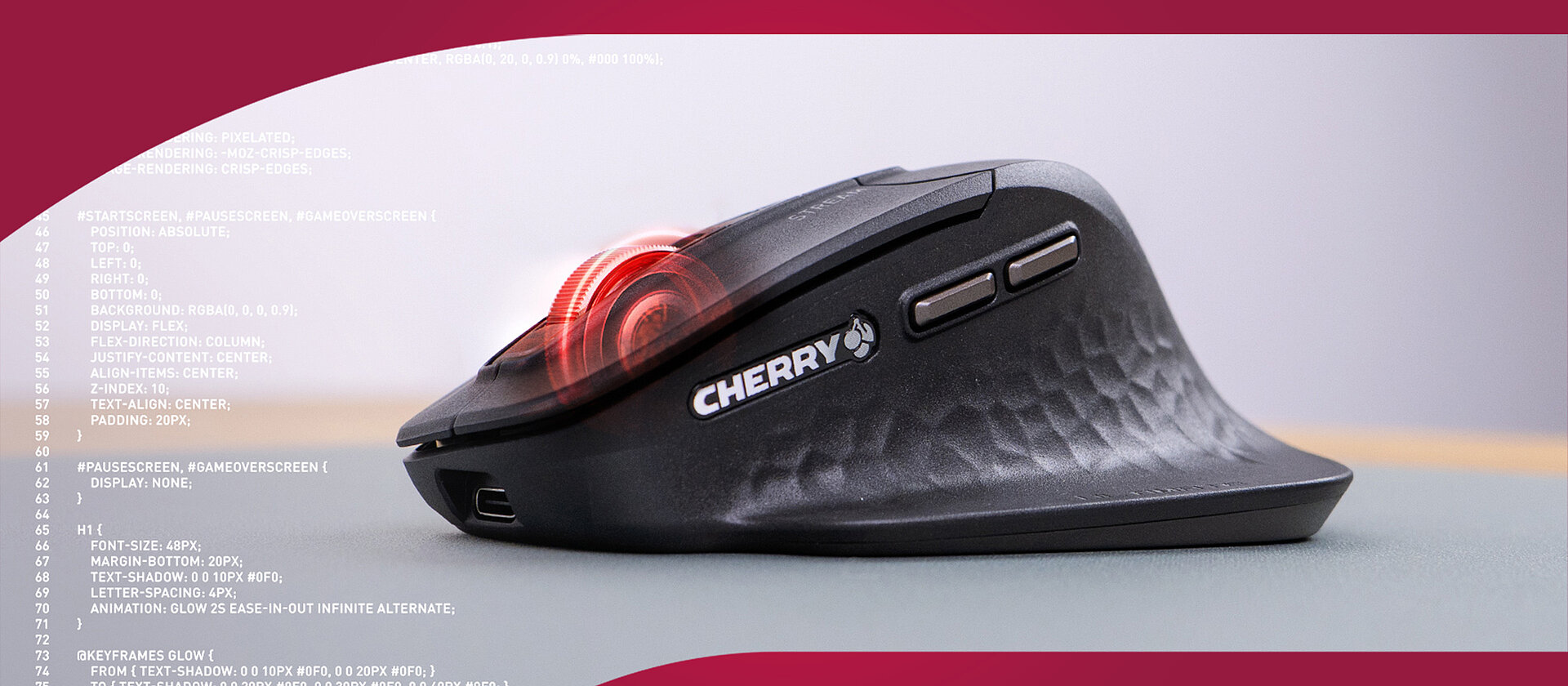
In workflows where every pixel, every keystroke and every scroll matters - such as CAD modelling, digital design or software development - the tools you use must keep pace. Conventional scroll wheels deliver a “one‑size‑fits‑all” experience: fixed detents, built‑in friction wear, or coarse free‑wheel spins that lack real precision. Over time, the wheel may lose crispness, skip steps or feel inconsistent. Faced with mammoth spreadsheets, detailed design canvases or long code files, this limitation becomes a productivity bottleneck.
Experience a new dimension of scroll control without compromise.
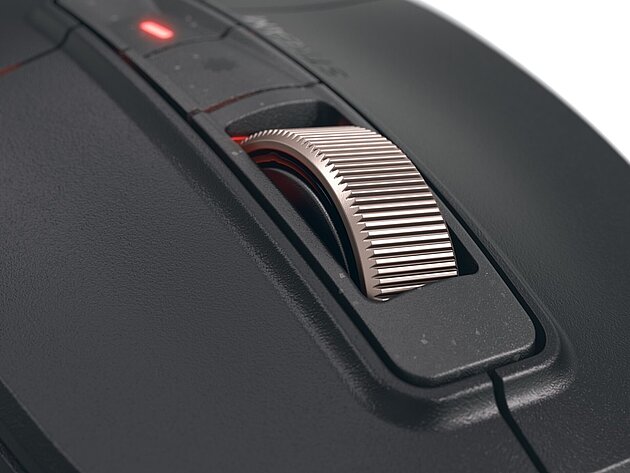
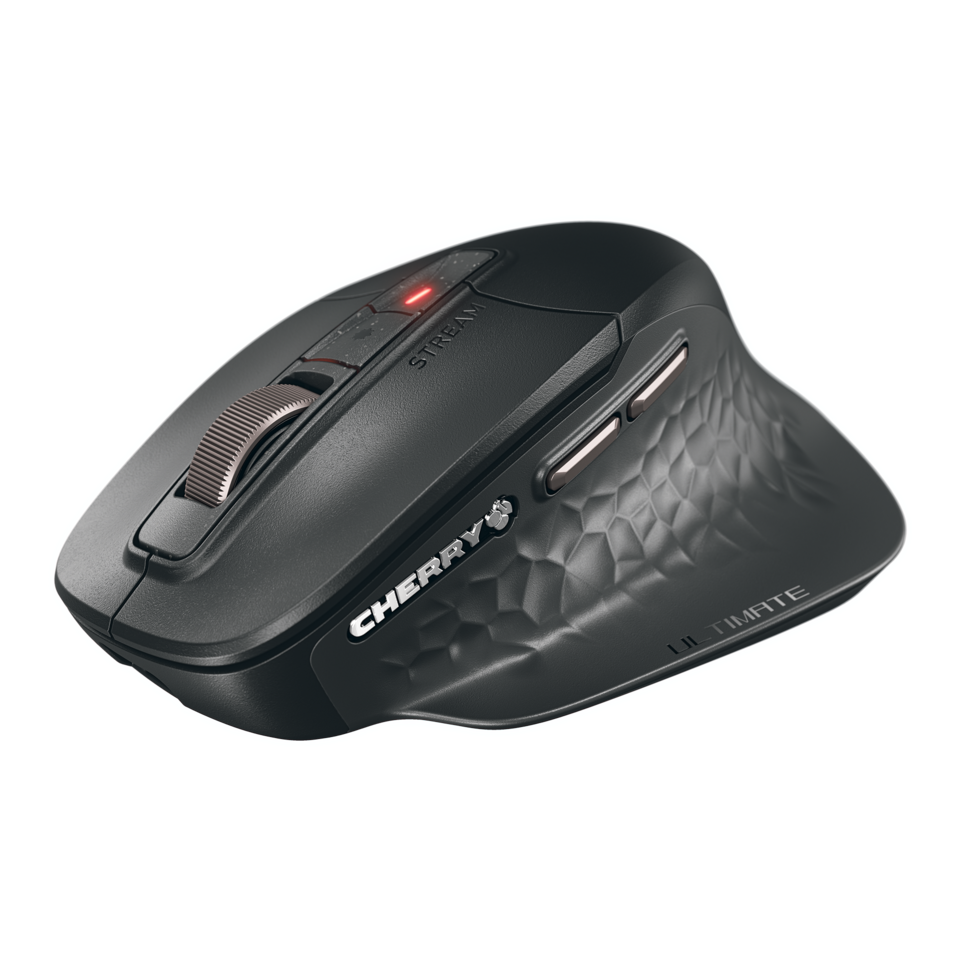
Introducing ProScroll, the breakthrough scroll‑wheel technology inside the CHERRY STREAM MOUSE ULTIMATE.
- Built on contact‑less electromagnetic actuation, the wheel does away with physical wear‑points.
- No mechanical friction: the scroll mechanism remains smooth and consistent through millions of rotations.
- Free‑wheel, detents, resistance — fully software‑configurable: you get total control.
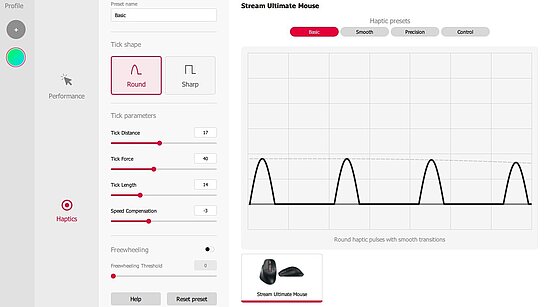
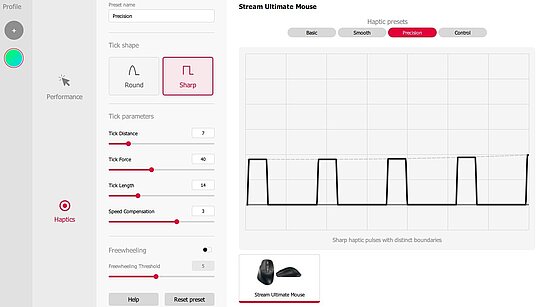
- Four ready‑to‑use Presets (Basic, Smooth, Precision, Control) cover the full spectrum of tasks; then you can tailor all 7 adjustable parameters to match your unique workflow.
- With roughly 288 million configuration possibilities (via tick‑strength, wheel‑resistance, free‑wheeling behaviour and more), the CHERRY STREAM MOUSE ULTIMATE adapts to you — not the other way around.
Four Scroll Modes, One Seamless Experience
The CHERRY STREAM MOUSE ULTIMATE comes with four intelligently pre-configured ProScroll Presets crafted to match real-world workflows right out of the box. Whether you're deep in CAD modelling, reviewing dense documents, or navigating multi-layer design files, there’s a preset designed to support your style.
Basic Mode
A familiar, tactile scroll experience with light ticks, medium resistance, and steady feedback. Perfect for general tasks like emails, code review, or browsing and a great starting point for custom tuning.
Smooth Mode
Designed for uninterrupted, high-speed scrolling across large files and documents. Minimal resistance, subtle feedback and an optional free-spinning mode make this ideal for spreadsheets, logs, or lengthy design specs.
Precision Mode
Sitting between Basic and Control, this mode offers medium resistance, well-defined steps, and enough speed for creative workflows that need both control and fluidity.
Control Mode
Maximum precision meets maximum control. This mode features firm tactile detents with wider spacing, enabling pixel-perfect navigation. Ideal for zooming in technical drawings, schematic editing or 3D manipulation.
Fully Customizable — Your Scroll, Your Rules
When the Presets aren’t enough, ProScroll becomes a playground for precision.
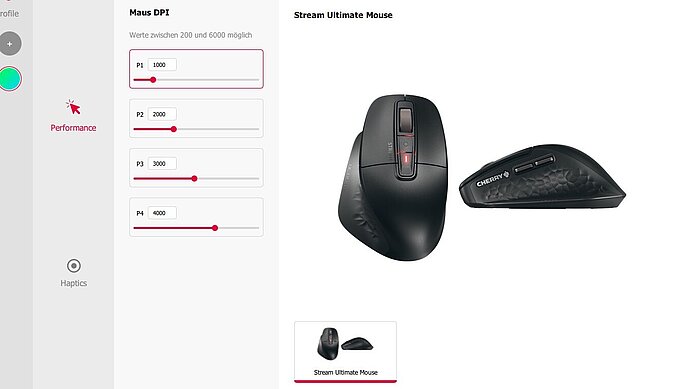
Through the CHERRY Utility Software, you gain access to 7 adjustable parameters, including:
- Tick Shape
- Tick Distance
- Tick Force
- Tick Length
- Speed Compensation
- Freewheeling
- Freewheeling Threshold
Combine them to create a scroll experience tailored to your exact needs: from ultra-light prototyping to heavy-duty technical navigation. With roughly 288 million possible combinations, ProScroll offers an unprecedented level of personalization for a scroll wheel.
How It Works
- Electromagnetic actuation: The scroll wheel is driven by a coil and magnetic field instead of mechanical detents, eliminating friction and wear.
- Software‑driven feedback: Each tick, step or free‑wheel behavior is generated dynamically — if your task changes, you change the mode.
- Preset + Custom modes: Four factory‑tuned modes get you started immediately; dive into advanced settings when you want to innovate.
- Seamless integration: Whether you’re switching between 3D modelling, code review or graphic design, Pro Scroll keeps pace — no adjustment delays, no feel mismatches.