過濾器:
數據表
描述、特點、貨號和技術特性
檔案語言支援:
德语
數據表
描述、特點、貨號和技術特性
檔案語言支援:
英语 (GB)
數據表
描述、特點、貨號和技術特性
檔案語言支援:
英语 (US)
數據表
描述、特點、貨號和技術特性
檔案語言支援:
西班牙语
數據表
描述、特點、貨號和技術特性
檔案語言支援:
法语
數據表
描述、特點、貨號和技術特性
檔案語言支援:
荷兰语
數據表
描述、特點、貨號和技術特性
檔案語言支援:
意大利语
數據表
描述、特點、貨號和技術特性
檔案語言支援:
日语
數據表
描述、特點、貨號和技術特性
檔案語言支援:
韩语
數據表
描述、特點、貨號和技術特性
檔案語言支援:
中文
過濾器:
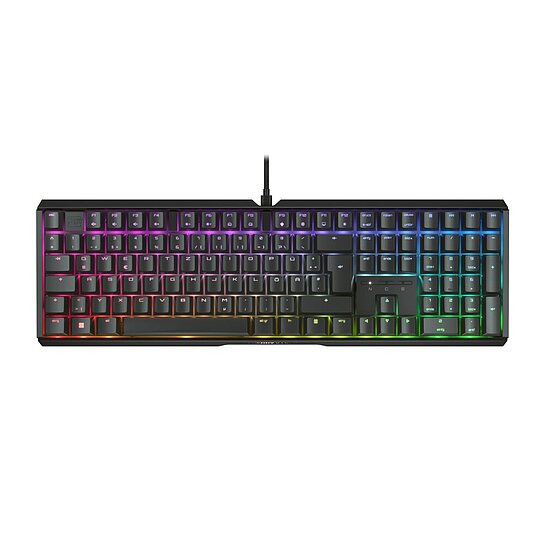
Manual CHERRY XTRFY MX 3.1
檔案語言支援:
英语 (GB)
英语 (US)
德语
法语
西班牙语
意大利语
中文
韩语
檔案大小:
9999 KB
SHA-256 校驗碼:
64a58884eefe1b386a058903d6226018c976a14020c4c92ec3e03bf8694120bf
過濾器:
20260611_Cherry Utility Software_x32-3.11.2-ReleaseNotes.pdf
檔案大小:
258 KB
SHA-256 校驗碼:
a538fa1a42ac92b87e418c4c7f463e9b32c63db1b7473a9489835d1708aeb510
Cherry Utility Software (Win x32) v3.11.2
The CHERRY UTILITY SOFTWARE is the solution for professionals, enthusiasts and gamers who want to get the best out of their CHERRY product*.
Lighting control, macro programming and numerous detailed settings allow you to customize your hardware.
- Individual assignment of all keys - Program your CHERRY keyboard/mouse* to suit your taste: shortcuts, text modules, macros, key remapping, multimedia functions.
- Fine-tuned lighting control - Choose from countless colors and lighting effects and create your own lighting concept.
- Mouse performance - Configure your DPI profile and other powerful features of your mouse just the way you like.
- Software profiles - You want to quickly switch to another set of device configurations? Our integrated support for multiple profiles make this task easy as (Cherry) pie.
*) Please refer to the detailed description of the respective product or the RELEASE NOTES for this software version to find out which CHERRY devices are supported. CHERRY Utility only works with CHERRY products intended for this purpose.
作業系統支援:
Windows
檔案大小:
41660 KB
SHA-256 校驗碼:
415588aa5c6d82a1bc5cb5bcd28d99de193a5fba4fa181bc774c069171bf728c
CHERRY Utility Software_x32-3.12.exe
檔案大小:
42680 KB
SHA-256 校驗碼:
2fa52325747ee96b560f8ba8c304fedc10d4ab75389258bfd8001168af4bb238
20260923_Cherry Utility Software_x32-3.12-ReleaseNotes.pdf
檔案大小:
264 KB
SHA-256 校驗碼:
bf812fa5db4daa5f942b4c7fea9e844522cdea29fe576ad8b0f9b89324d670fd